
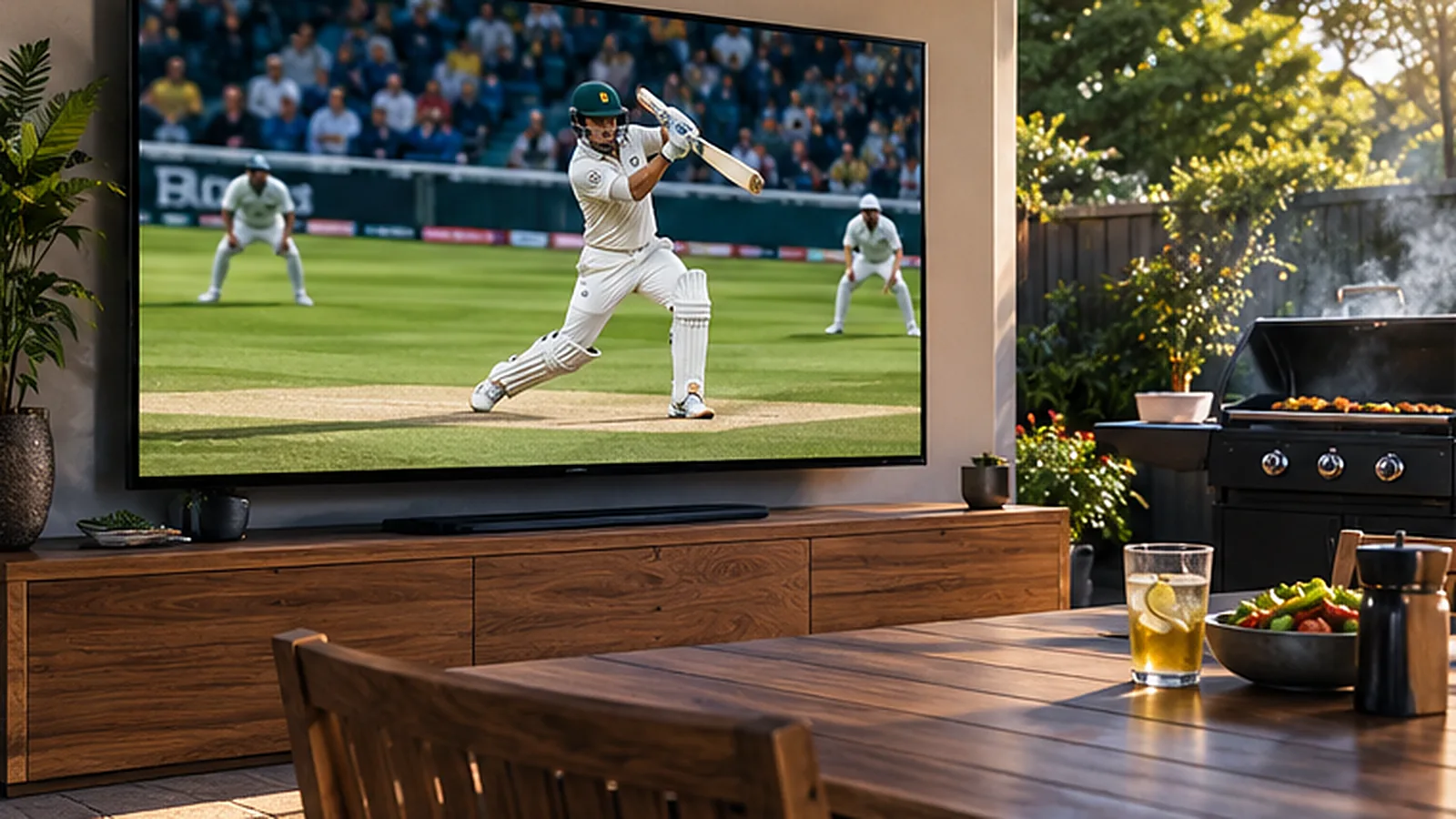
Summer in Australia means cricket: a Test starting on Boxing Day, Big Bash games under lights and one-day internationals on long weekends. A Test match can run for five days, so being able to follow it on any screen – the lounge TV, a phone at the beach, a laptop at work – makes all the difference. This guide shows you how to watch cricket in Australia with IPTV.
Why Cricket Suits Streaming So Well
Cricket is long and flexible. You might catch the first session at home, check the score on your phone at lunch and settle in for the final hour in the evening. IPTV works the same way: one login on every screen, with live channels, a TV guide and an on-demand library together in one app.
OzStream TV includes 32,000+ live channels and 200,000+ movies and series on every plan, including sport channels from Australia and around the world. That matters for cricket, because many fans also follow overseas tours and leagues in the UK, India, South Africa and the Caribbean. As always, check your must-watch matches during the free 24-hour trial.
The Main Formats at a Glance
| Format | Length | How fans usually watch |
|---|---|---|
| Test cricket | Up to 5 days | On and off all day – the lounge TV plus a phone for the score |
| One-day internationals | About 8 hours | Weekend afternoons and evenings on the big TV |
| T20 and the BBL | About 3 hours | Summer evenings, often with friends |
| Overseas tours | Varies | Late nights or early mornings because of time zones |
What You Need
- An IPTV plan – from $50 for 3 months in AUD (see pricing).
- A device – Smart TV, Fire TV Stick, Android TV, Apple TV, phone, tablet or laptop.
- A player app – we tell you which one suits your device.
- A steady connection – NBN 25 for HD, NBN 50 or more for 4K. See our NBN speed guide.
Watching Overseas Tours at Odd Hours
When Australia tours England, the Caribbean or India, play often starts late at night or early in the morning here. A few habits help:
| Tour location | Typical start time (AEST/AEDT) | Tip |
|---|---|---|
| India, Sri Lanka | Mid-afternoon | Watch the first session on a phone at work |
| South Africa | Evening to late night | Great for evening viewing on the big TV |
| England | Late night | Watch the first session, then check highlights in the morning |
| West Indies | Overnight to early morning | Set an alarm for the final session |
| New Zealand | Morning | Usually easy to follow live |
Times vary with daylight saving, so always check the TV guide in the app.
Best Devices for Long Days of Cricket
| Device | Why it works for cricket |
|---|---|
| Smart TV or Fire TV Stick | Big-screen viewing for the main sessions – see the Firestick guide |
| Tablet | Watch in the kitchen or out on the deck |
| Phone | Follow the last few overs from anywhere |
| Laptop | Keep play in a corner of the screen while you work |
Compare more options in best IPTV devices in Australia.
Tips for a Smooth Stream All Day
- Use Ethernet for the main TV if you can, or 5 GHz Wi-Fi close to the modem.
- Restart your streaming stick once a day during a Test – long sessions can fill the cache.
- Keep the device ventilated; small sticks behind a TV can get hot in summer.
- Choose Full HD rather than 4K if your connection is busy.
- Add your cricket channels to Favourites so you can jump straight to them.
Getting Ready for the Boxing Day Test
The Boxing Day Test is a national tradition, and many families have the cricket on all day while the leftovers come out. A little preparation keeps it stress-free. Test the stream on Christmas Eve, update the player app, charge the tablet for the backyard and make sure the main TV is connected by cable or strong Wi-Fi. If relatives are visiting, sign them in on a spare device so the main TV stays on the cricket.
Hot days are another thing to think about. Streaming sticks and modems can overheat in a closed TV cabinet in an Australian summer, which causes freezing. Leave the cabinet door open or move the modem somewhere with a bit of airflow.
Which Plan Suits a Cricket Fan?
If cricket is your main sport, the 3-month plan covers most of the home summer. Many fans pick the 12-month plan instead, because it also carries them through the footy and league season for just $8.33 a month. All plans include the full channel line-up and the same support, so the only real choice is how long you want to be covered.
Cricket for Multicultural Australia
Cricket connects many of Australia’s communities, especially families with roots in India, Pakistan, Sri Lanka, England and South Africa. Alongside the sport, OzStream TV includes international channels in many languages. Read more in our guide to international channels in Australia.
What It Costs
| Plan | Total (AUD) | Per month |
|---|---|---|
| 3 months – one summer | $50 | $16.67 |
| 6 months | $72 | $12.00 |
| 12 months – cricket and footy seasons | $100 | $8.33 |
| 24 months | $173 | $7.21 |
Cricket Streaming FAQ
Can I watch Test cricket with IPTV in Australia?
Yes. IPTV gives you live channels over your internet connection, including Australian and international sport. Check the matches you want during the free trial.
Can I watch the Big Bash on my phone?
Yes. Install the player app on your phone, sign in with the same login and watch over Wi-Fi or 5G.
What speed do I need for cricket in 4K?
Allow around 50 Mbps or more for a 4K stream, and use Ethernet or 5 GHz Wi-Fi for the most stable picture.
Can I follow overseas tours?
Yes, international sport channels are part of the line-up. Because of time zones, many games start late at night in Australia.
How much does it cost?
Plans in AUD: $50 for 3 months, $72 for 6 months, $100 for 12 months ($8.33 a month) and $173 for 24 months ($7.21 a month), with a 7-day refund promise. See pricing.
Get Set for Summer
Before the next Test, try the free 24-hour trial and watch a full session on your own TV. Need a hand? Message us on WhatsApp and we will help you set it up.
Leave a Reply