
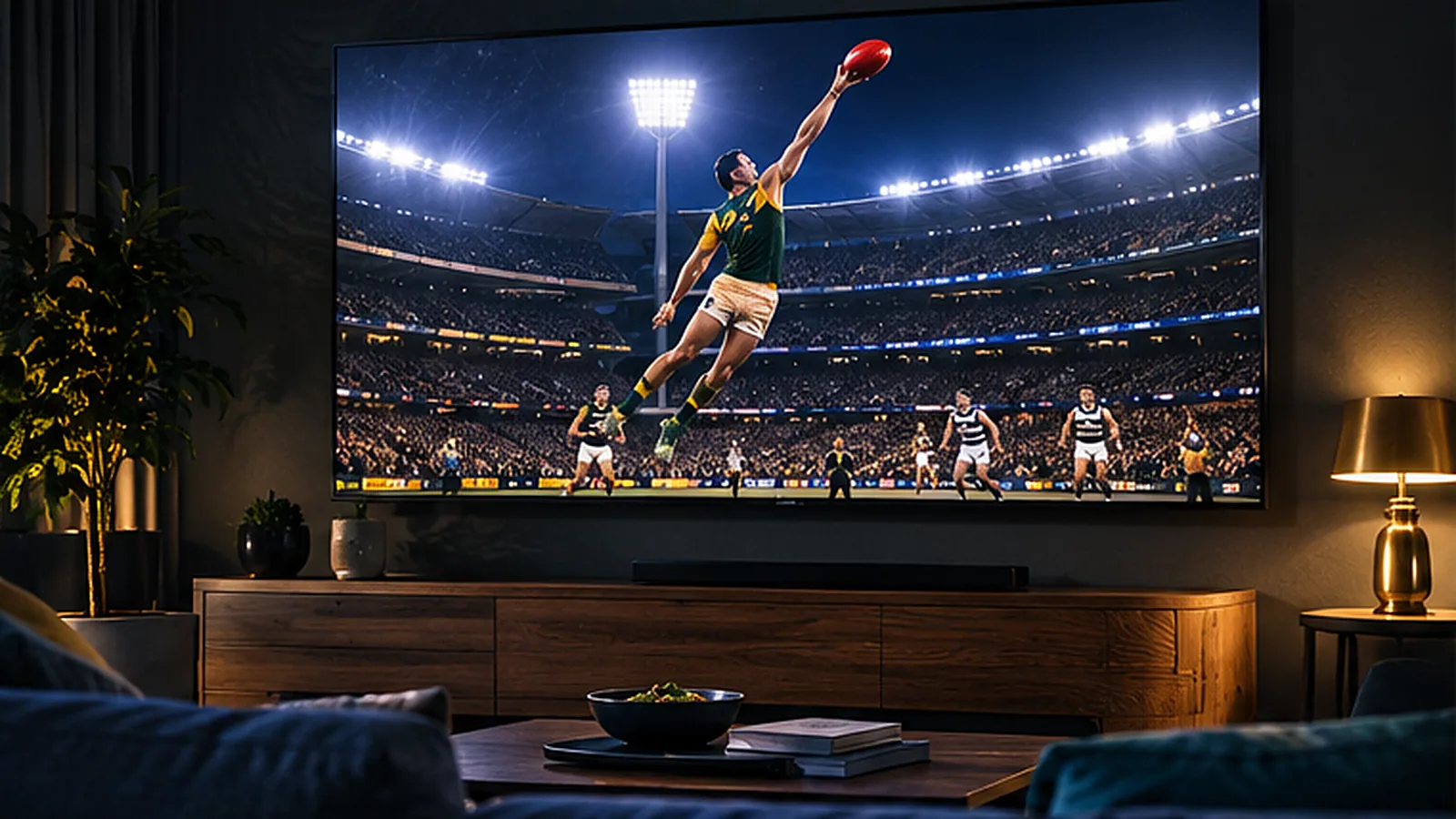
From the first bounce in March to the last siren on Grand Final day, footy is the heartbeat of winter in much of Australia. For years that meant a pay TV subscription, a set-top box and a contract. Today a growing number of fans want to watch AFL without Foxtel – and IPTV is one of the simplest ways to do it. This guide explains how IPTV works for footy, what you need at home, how much it costs in AUD and how to get the smoothest picture on match night.
Why So Many Fans Are Looking Beyond Pay TV
Traditional pay TV was built for a world where one big box in the lounge room did everything. Footy fans today watch differently: on the big TV on Saturday night, on a phone at the pub, on a tablet in bed when the West Coast game finishes late. Many households also rent, move often or live in apartments where installing a dish or new cabling is not an option.
At the same time, monthly bills keep growing once you add sport packs, HD and extra boxes. That is why more Australians are cutting the cord and choosing a streaming setup that runs over the NBN connection they already pay for.
What Is IPTV and How Does It Show the Footy?
IPTV stands for Internet Protocol Television. Instead of a satellite dish or a pay TV box, live channels reach your TV through your internet connection and play in an app. You sign in once and get live channels, a TV guide and an on-demand library in one place.
With OzStream TV every plan includes 32,000+ live channels and 200,000+ movies and series, including Australian sport and news, so you can follow your club through the season. Because channel line-ups can change, we always suggest using the free 24-hour trial to check the matches and channels that matter to you before you pay.
What You Need to Watch AFL With IPTV
| What you need | Why it matters | Our tip |
|---|---|---|
| An IPTV subscription | Gives you live channels, a TV guide and catch-up style viewing | Start with the free 24-hour trial |
| A device | Smart TV, Fire TV Stick, Android TV, Apple TV, phone or laptop | A Fire TV Stick turns any TV with HDMI into a streaming TV |
| A player app | Shows the channels and guide | We recommend the right app for your device |
| Stable internet | Footy is fast-moving, so a steady connection matters | NBN 25 for HD, NBN 50+ for 4K or several screens |
Choosing the Best Device for Match Day
You do not need to buy an expensive new TV. Most fans already own something that works. Here is how the common options compare for footy:
| Device | Best for | Good to know |
|---|---|---|
| Fire TV Stick 4K | Turning an older TV into a footy machine | Cheap, fast and easy to set up – see our Firestick guide |
| Samsung or LG Smart TV | No extra box on the TV unit | Many recent models run a player app directly |
| Android TV / Google TV | Smooth menus and lots of apps | Great value boxes and built-in TVs |
| Apple TV | Households already using iPhone and iPad | Premium feel and very stable |
| Phone or tablet | Watching at the pub, in bed or on the train | Use 5G or Wi-Fi; HD looks great on smaller screens |
Still deciding? Our guide to the best IPTV devices in Australia goes into more detail.
How Much Internet Speed Do You Need for Footy?
Sport is the toughest test for any stream because the picture changes constantly. The good news is that most NBN plans handle it comfortably. As a rule of thumb, allow around 25 Mbps for one HD stream and 50 Mbps or more if you want 4K or several screens going at once – for example, the footy in the lounge while the kids watch something else.
| NBN plan | What it handles comfortably |
|---|---|
| NBN 25 | One HD stream |
| NBN 50 | HD on two screens or one 4K stream |
| NBN 100 | Several screens including 4K |
| Fixed wireless / 5G home internet | HD on one or two screens if the signal is steady |
For a deeper look, read our guide to NBN speed for IPTV.
Six Tips for a Smooth Picture on Match Night
- Plug in with Ethernet if your TV or streaming stick has a port – it is the single biggest improvement you can make.
- Use 5 GHz Wi-Fi otherwise, and keep the modem in the same room as the TV if you can.
- Restart the modem and device before a big game, especially before a final.
- Close other heavy downloads such as game updates or cloud backups during the match.
- Test during peak time – Friday and Saturday nights are when your street is busiest.
- Drop from 4K to Full HD if the picture stutters; on most TVs the difference is small.
What Does It Cost Compared With Pay TV?
Pay TV pricing usually starts with a base package and grows once you add sport, HD and extra rooms. With OzStream TV you pay once for the length you choose and every plan includes the full line-up, so there is no separate footy add-on.
| OzStream TV plan | Total (AUD) | Per month |
|---|---|---|
| 3 months | $50 | $16.67 |
| 6 months – covers a full footy season | $72 | $12.00 |
| 12 months | $100 | $8.33 |
| 24 months | $173 | $7.21 |
Want a full side-by-side comparison? Read IPTV vs Foxtel vs Kayo.
Watching Across Time Zones
Footy fans in Perth and Adelaide know the feeling: an east coast game can start while you are still at work. Live channels play in real time, so plan around the bounce, and use the on-demand library for the shows you missed. If you live in Western Australia, our IPTV Perth page has more tips.
Is It Legal to Watch AFL Over IPTV?
IPTV is simply a way of delivering TV over the internet and the technology itself is legal. What matters is whether a service is licensed for the content it carries. We explain what to look for in our guide Is IPTV legal in Australia?
Watch AFL Without Foxtel FAQ
Can I watch AFL without a Foxtel subscription?
Yes. Many fans now use streaming services and IPTV instead of pay TV. With IPTV you watch live channels in an app on your Smart TV, Fire TV Stick, phone or computer, using your existing internet connection.
What internet speed do I need to watch the footy?
NBN 25 is enough for one HD stream. For 4K or several screens at once, NBN 50 or faster is the better choice. A cable or 5 GHz Wi-Fi makes the biggest difference to stability.
Can I watch on my phone at the pub or at the ground?
Yes. Install the player app on your phone and sign in with the same login. HD looks great on a phone and uses much less data than 4K.
Is there a free trial?
Yes. You can test OzStream TV free for 24 hours with no card. Use it on a match night to check the picture on your own TV and NBN.
How much does OzStream TV cost?
Plans in AUD: $50 for 3 months, $72 for 6 months, $100 for 12 months ($8.33 a month) and $173 for 24 months ($7.21 a month), with a 7-day refund promise. See pricing.
Get Ready for the Next Bounce
You do not need a dish, an installer or a long contract to follow your team. Start with a free 24-hour trial, test it during a live game, then choose the plan that suits your season. Questions? Message us on WhatsApp and tell us which device you use – we will help you get set up before the first bounce.
Leave a Reply