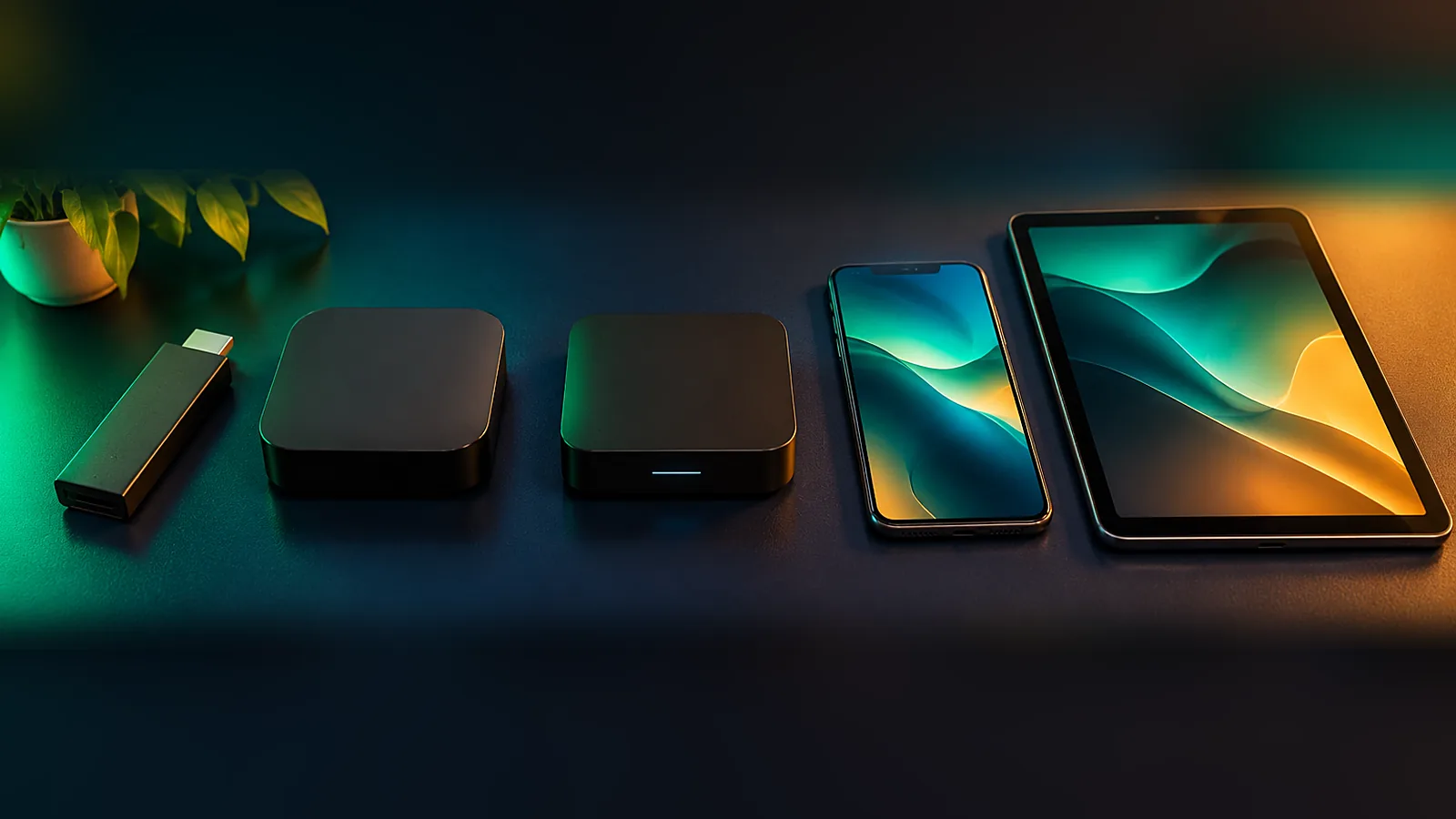
The right device makes IPTV fast, smooth and easy to use. The wrong one can mean slow menus and buffering, even on a fast NBN connection. This guide compares the best IPTV devices in Australia in 2026 so you can pick the one that suits your TV, your budget and your household.
Quick Comparison
| Device | Price range (approx.) | Ease of setup | Best for |
|---|---|---|---|
| Fire TV Stick 4K / 4K Max | Low | Very easy | Most homes – best all-rounder |
| Android TV / Google TV box | Low to mid | Easy | Lots of app choice, smooth playback |
| Samsung / LG Smart TV | Already owned | Easy to medium | No extra box on the TV unit |
| Apple TV 4K | Higher | Easy | iPhone households, premium feel |
| MAG box | Mid | Easy once set up | A simple remote-and-go experience |
| Phone / tablet | Already owned | Very easy | Watching anywhere |
| Windows / Mac computer | Already owned | Easy | Watching at a desk |
Amazon Fire TV Stick
The Fire TV Stick is the most popular IPTV device in Australia for good reason: it is affordable, quick and works with any TV that has an HDMI port. The 4K model is our top pick for most homes, and the 4K Max adds faster menus and better Wi-Fi. Follow our step-by-step Firestick guide to get started.
Android TV and Google TV
Many TVs from Sony, TCL and Hisense run Google TV, and there are plenty of affordable Android TV boxes. They support a wide range of player apps through the Google Play Store and usually offer smooth playback with a clear TV guide.
Samsung and LG Smart TVs
Recent Samsung (Tizen) and LG (webOS) TVs can run IPTV player apps directly, so there is no extra box. Setup can involve sending us the app’s device ID or MAC address. On older models, apps can be slow – a Fire TV Stick plugged into the same TV is often the quicker option.
Apple TV 4K
If your household already uses iPhones and iPads, Apple TV 4K is a premium, very stable choice with an Ethernet port on most models. Install the recommended player from the App Store and sign in with your details. You can also AirPlay from an iPhone to the TV.
MAG Boxes
MAG boxes are dedicated IPTV set-top boxes. They are simple to use once set up: you send us the MAC address on the sticker underneath, we link your portal, and the box works like a traditional TV box with a remote. Great for less tech-savvy family members.
Phones, Tablets and Computers
Every plan works on iPhone, iPad, Android phones and tablets, and Windows or Mac computers. They are perfect for watching in bed, at the pub or while travelling. For computers, a desktop player app usually gives the best experience.
What to Look For When Buying
- Ethernet port or adapter – the most stable connection for live sport.
- Wi-Fi 6 – better streaming if you cannot run a cable.
- At least 2 GB of RAM – keeps menus and the TV guide quick.
- 4K and HDR support – if you own a 4K TV.
- Enough storage – player apps and their guides need some space.
Our Recommendations by Household
| Household | Our pick |
|---|---|
| Budget-friendly, any TV | Fire TV Stick 4K |
| Large 4K TV, fast NBN | Fire TV Stick 4K Max or Apple TV 4K |
| iPhone family | Apple TV 4K |
| Grandparents | MAG box or Fire TV Stick with Favourites set up |
| Renters who move often | Fire TV Stick – easy to take with you |
| Multiple rooms | One Fire TV Stick per TV |
Setting Up the Device for the Best Picture
Whichever device you choose, the setup matters as much as the hardware. Connect it with Ethernet if possible, keep it out of a closed cabinet so it does not overheat, update the system software and the player app, and add your favourite channels so you can find them quickly. Our NBN speed guide explains how much bandwidth each screen needs.
One Device or Several?
Most households start with one device on the main TV and add more over time. A second Fire TV Stick for the bedroom, a tablet for the kitchen and phones for everyone else is a common setup. Install the player app on each device and sign in with the same details, then ask us how many screens can stream at the same time on your plan.
If you move house often, small devices like a Fire TV Stick are easy to pack and set up again in minutes at the new place.
Devices to Avoid
- Very old Android boxes that no longer receive updates.
- No-name boxes sold with “free channels for life” – these often stop working.
- Smart TVs older than about six years, which may not run current player apps.
- Any device that only connects over 2.4 GHz Wi-Fi in a busy apartment building.
If your TV is older, a streaming stick is almost always the cheapest fix.
Best IPTV Devices FAQ
What is the best device for IPTV in Australia?
For most homes, the Fire TV Stick 4K offers the best mix of price, speed and simplicity. Apple TV 4K is the premium choice for iPhone households.
Can I use IPTV on my Samsung or LG TV without a box?
Yes, most recent models can run a player app directly. On older models a Fire TV Stick is usually quicker.
Do I need 4K?
Not necessarily. Full HD looks great on most TVs and needs less bandwidth. Choose 4K if you have a 4K TV and NBN 50 or faster.
Can I use the same login on several devices?
Yes, you can install the app on the devices you use. Ask us how many can stream at the same time on your plan.
How much does OzStream TV cost?
Plans in AUD: $50 for 3 months, $72 for 6 months, $100 for 12 months ($8.33 a month) and $173 for 24 months ($7.21 a month), with a 7-day refund promise. See pricing.
Not Sure Which Device to Use?
Tell us what TV and devices you already have. Message us on WhatsApp and we will recommend the simplest setup, or start right away with the free 24-hour trial.
Leave a Reply